A Halloween Coloring Activity for Kids: Color It, Tell a Story, Bring It to Life
Try a manageable Halloween coloring activity for kids: choose a page, color it together, take a clear photo, and optionally bring the finished artwork to life.
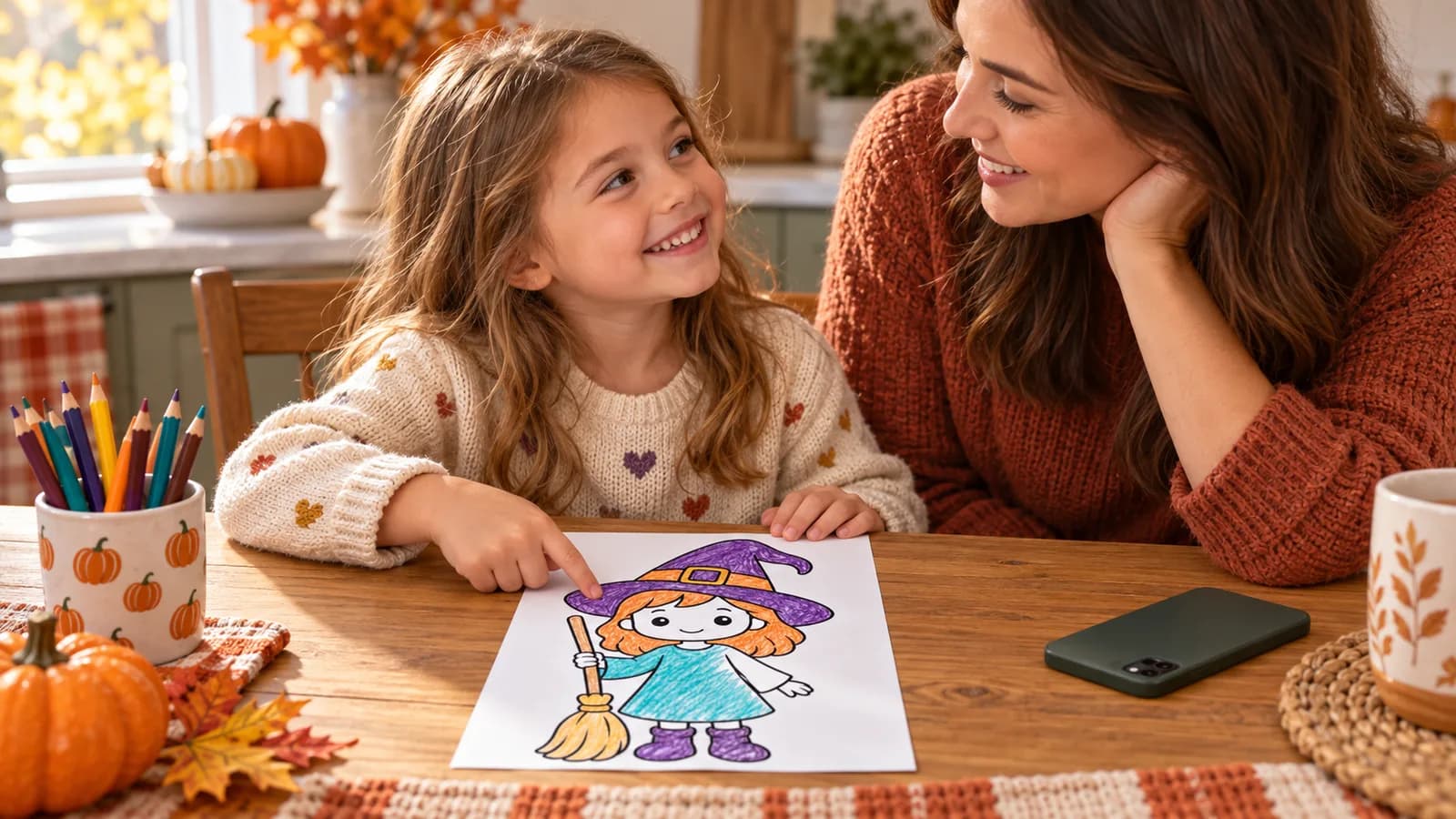
Quick list
- Time: about 30–45 minutes of hands-on activity
- Best for: ages 3 and up, with age-based page choices
- Print one Halloween page or use your child's own drawing
- Set out crayons, colored pencils, or washable markers
- Ask what the character will do next
- Color the picture and add one small story clue
- Photograph the finished page in even light
- Finish with storytelling, display, or an optional Animomo animation
Jump to an idea
Some Halloween activities quietly turn into a whole production. This one is deliberately simple: choose one friendly picture, give the character a tiny story, color it, and decide how you want to enjoy the finished art.
Plan on about 30–45 minutes of hands-on time. There is no cutting, glue, elaborate setup, or pressure to finish every detail. A child can end by telling the story, displaying the page, or acting it out. Families who use Animomo can also photograph the finished picture and turn it into a short animated video.
Gather Simple Supplies
Keep the setup small enough that it feels easy to begin and easy to clean up. You only need one page per child and the coloring tools you already have.
- 1Print one coloring page on plain white paper. Regular printer paper works for crayons and colored pencils; slightly thicker paper is better for markers.
- 2Put out a small set of crayons, colored pencils, or washable markers instead of the whole supply box.
- 3Keep a phone nearby only if you want to photograph the finished picture. It is not needed for the activity itself.
Choose One Halloween Page
Animomo's Halloween collection has 60 printable pages, but this activity only needs one. Match the amount of detail to your child's patience today, not just their age.
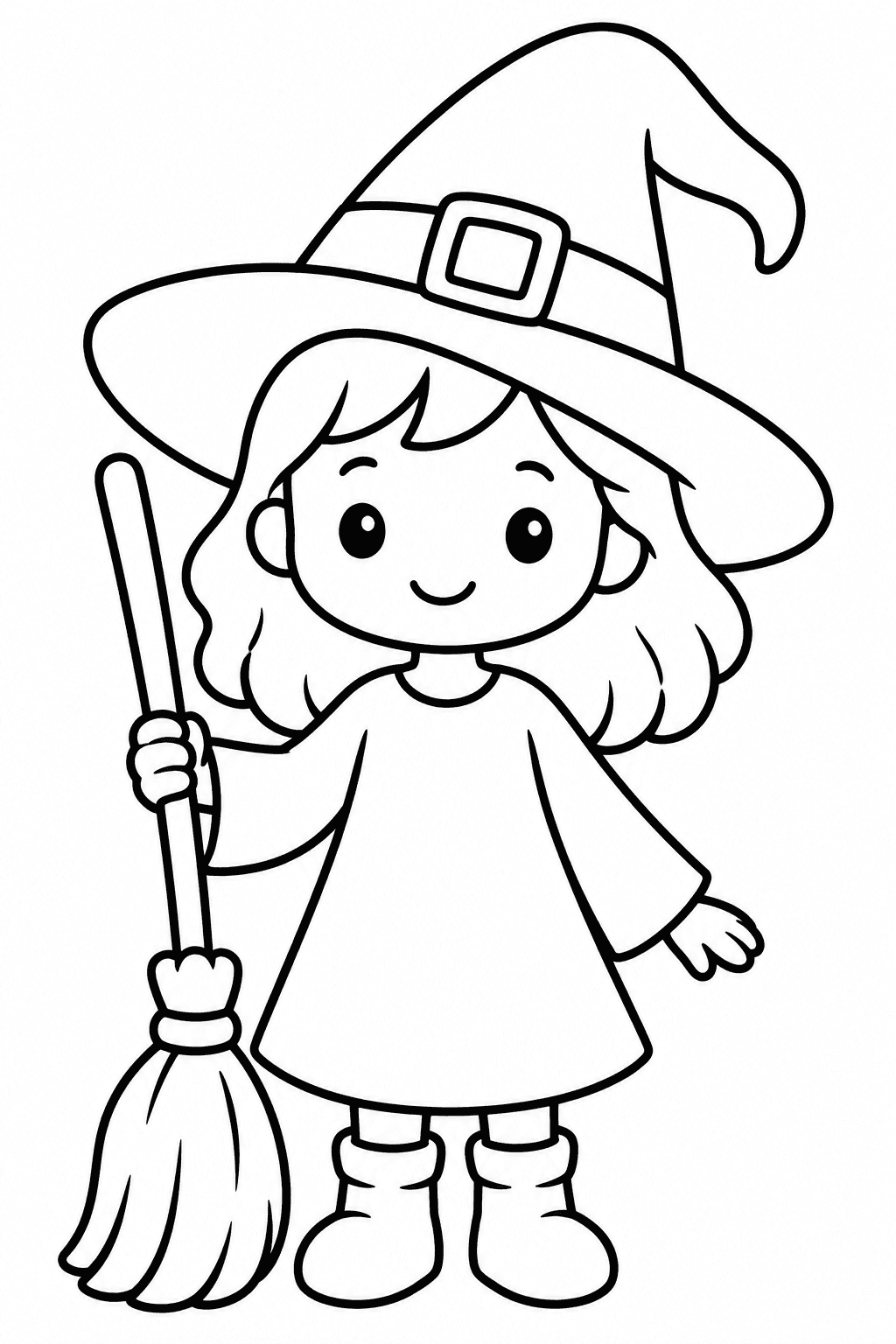
Easy · Ages 3–5
Little Witch
One clear character, bold outlines, and large spaces for a quick win.
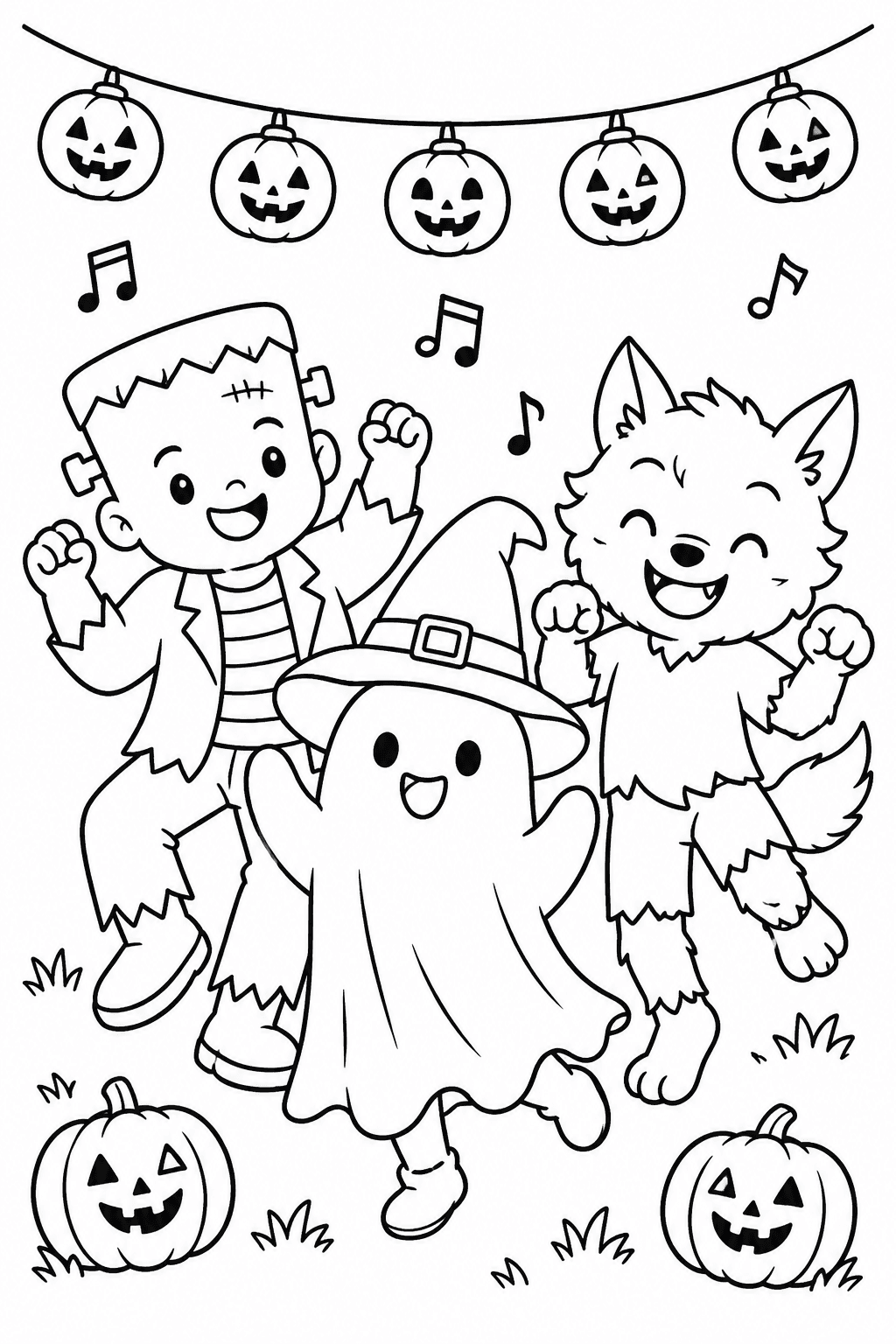
Medium · Ages 6–9
Monster Dance
A lively group scene with obvious movement and room for a funny story.
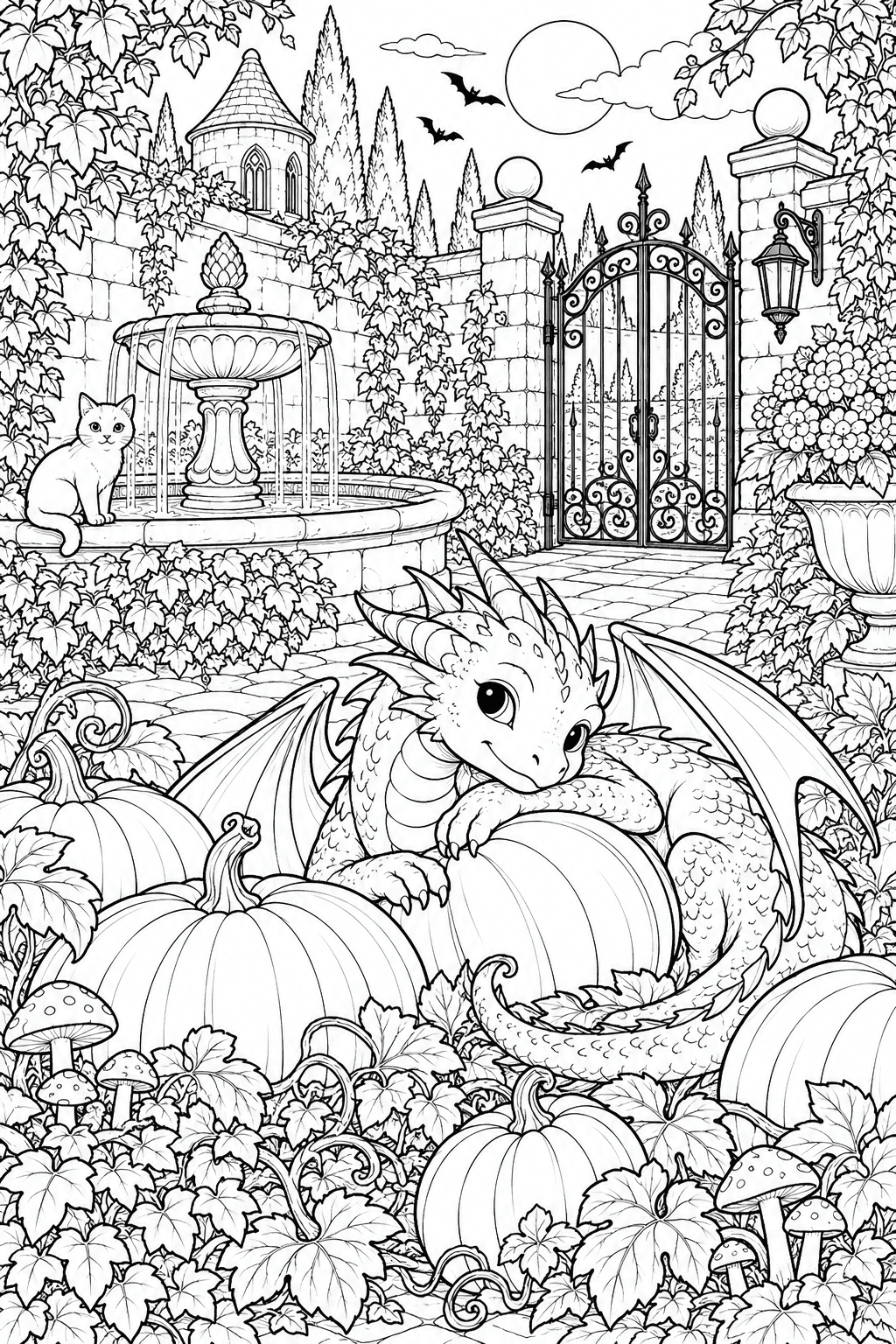
Advanced · Ages 10+
Dragon Pumpkin Garden
A detailed scene for an older child who enjoys a longer, slower project.
- 1For a younger child or a short activity, choose one large character with open spaces.
- 2For a school-age child, choose a scene with two or three characters and a clear action.
- 3For an older child, offer a detailed page only if they want a longer project. It is also fine to color one section and continue another day.
Decide What Happens Next
Before the coloring starts, turn the picture into a tiny story. One name and one action are enough. This gives the child something to imagine without making the activity feel like homework.
- 1Ask your child to name the main character.
- 2Ask one simple question: What is the character about to do?
- 3Repeat the answer as one sentence, such as, ‘Mina the witch is flying home with a bag of moon cookies.’ Write it on a separate scrap only if your child wants to keep it.
Color the Picture Together
Let the child's choices lead. The page does not need traditional Halloween colors, and coloring outside the lines does not hurt the story. Your job is to keep the table calm and help only when asked.
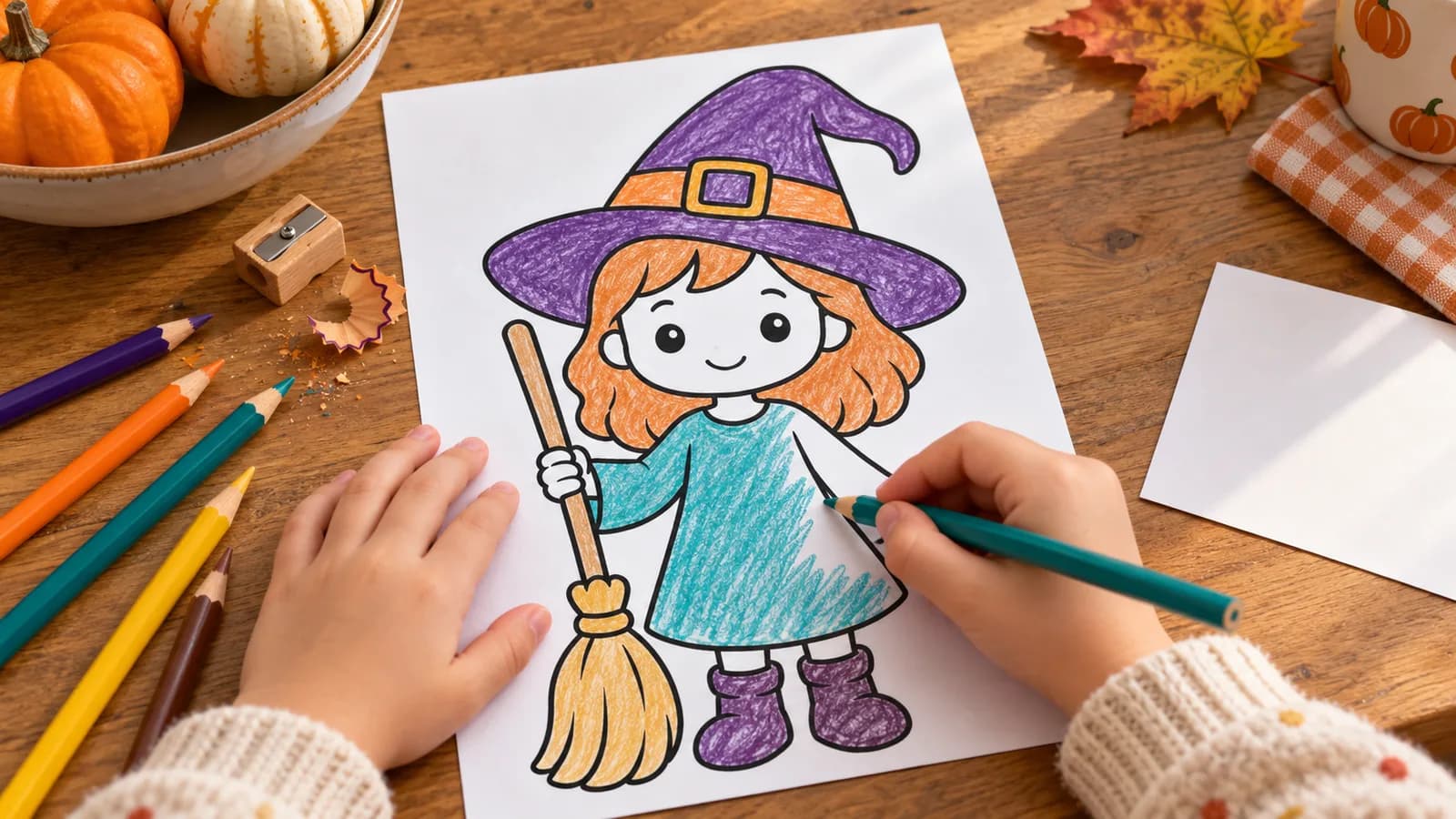
- 1For ages 3–5, offer three to five colors and let broad scribbles, white gaps, and quick choices count as finished.
- 2For ages 6–9, invite the child to choose a simple palette and add one background detail connected to the story.
- 3For ages 10+, let the child plan foreground and background colors or finish a detailed page over more than one sitting.
Add One Story Clue
When the main picture is colored, add one small clue about the action your child imagined. It makes the page feel like their own and gives them an easy prompt for retelling the story later.
- 1Add one prop, such as a cookie bag, tiny lantern, party invitation, pet, or magic key.
- 2Draw a simple motion clue, such as stars behind a broom, music notes near a dancing monster, or leaves blowing past a ghost.
- 3Ask the child to tell the one-sentence story again. Stop there if the page feels finished.
Take a Clear Photo
A careful photo is useful whether you want a digital keepsake, plan to send the picture to a grandparent, or want to animate it. The goal is a bright, straight image with the whole page visible.
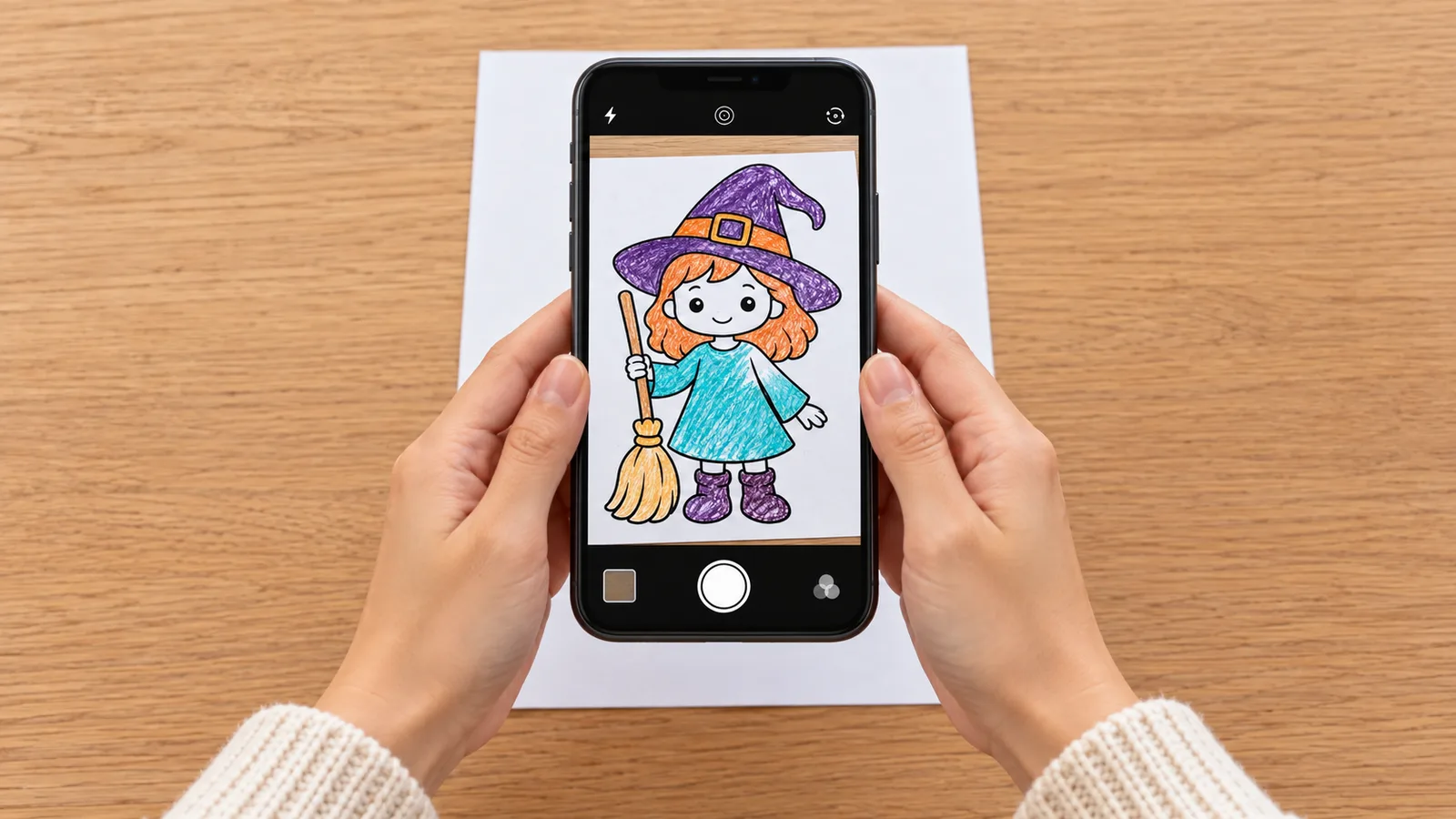
- 1Lay the page flat near a bright window or under soft, even room light.
- 2Move cups, crayons, and hands away from the paper so the full outline is clear.
- 3Hold the phone parallel to the page rather than tilting it from one side.
- 4Fill most of the frame with the artwork, but keep all four edges visible.
- 5Check for blur, glare, and your own shadow before putting the page away.
Optional: Bring the Picture to Life With Animomo
Animomo is currently available on Android for parents to use with their children. A parent can add the clear photo and use a paid credit to create a short animated video. Animations render in the background, and the app notifies you when the video is ready. iPhone and iPad support is still coming soon.
- 1On an Android device, a parent opens Animomo and adds the finished artwork photo.
- 2Create the animation using a paid credit, then let it render in the background.
- 3When the notification arrives, watch the result together. You can download or share the video with family if you choose.
Make the Ending Fun Without an App
The activity already has a satisfying finish even if you do not animate the picture. Use the story sentence to give the artwork one more moment of attention before it goes on display or into a keepsake folder.
- 1Let your child narrate the one-sentence story while holding up the page.
- 2Act out the character's next move together, or record a short family video if you want a digital memory.
- 3Display the page, mail it to someone, or save it with the story sentence and date on the back.
Keep the Halloween activity easy and age-friendly
- Choose friendly characters if your child dislikes scary pictures. The Halloween collection avoids gore and includes smiling ghosts, pumpkins, witches, cats, and monsters.
- For siblings of different ages, give each child a page at their own detail level but use the same story question.
- If a child finishes in five minutes, accept the finish. They can spend the remaining time telling or acting out the story.
- If a page feels too detailed, color only the main character or switch to an Easy page with bigger spaces.
- Use washable markers and a wipeable mat if mess is a concern. Put scrap paper underneath to catch bleed-through.
- Avoid correcting unusual colors. A teal witch, pink pumpkin, or rainbow ghost gives the child more to say about the story.
- Keep the optional phone step parent-led so the creative time stays focused on making and talking together.
Frequently asked questions
How long does this Halloween coloring activity take?
Plan on about 30–45 minutes of hands-on time: roughly 5 minutes to choose and set up, 20–30 minutes to color, and 5–10 minutes for the story and photo. Stop earlier if your child is happily finished. Optional Animomo rendering happens in the background and is not included in that estimate.
What ages is this activity best for?
It works from about age 3 through older children when you match the page to the child. Easy pages have bold outlines and large spaces for ages 3–5, Medium pages suit many ages 6–9, and Advanced pages offer a longer project for ages 10+ and adults.
Do we need Animomo to do the activity?
No. The coloring, story prompt, photo, acting, and display ideas make a complete activity on their own. Animomo is an optional ending for families who want to turn the picture into a short animated video.
Are the Halloween coloring pages and Animomo both free?
The Halloween PDFs and PNGs on Animomo.app are free to print for personal, classroom, or homeschool use. The Animomo Android app is free to download, but creating an animated video uses a paid credit. Check the app or the current pricing section on Animomo.app before creating one.
What makes a good photo for animating a coloring page?
Use even light, keep the paper flat, hold the phone parallel to the page, include the whole picture, and avoid shadows or clutter. Artwork with clear outlines, distinct shapes, and strong color contrast usually gives Animomo a better starting image.
Can my child use their own Halloween drawing instead?
Yes. A child's own witch, monster, pumpkin, toy, or Halloween craft can replace the printable. Keep the same story and photo steps, and let the child decide what their creation will do next.
Related Articles
15 Easy Drawing Ideas for Kids: Fun and Simple Art Projects
A playful list of easy drawings for kids with simple prompts, short steps, and no pressure.
How to Make Coloring Pages from Photos: Easy Step-by-Step Guide
A simple parent-friendly guide to turning favorite photos into printable coloring pages.
Choose One Halloween Page to Start
Pick an Easy, Medium, or Advanced printable from Animomo's friendly Halloween collection, then turn it into a tiny story your family can keep.